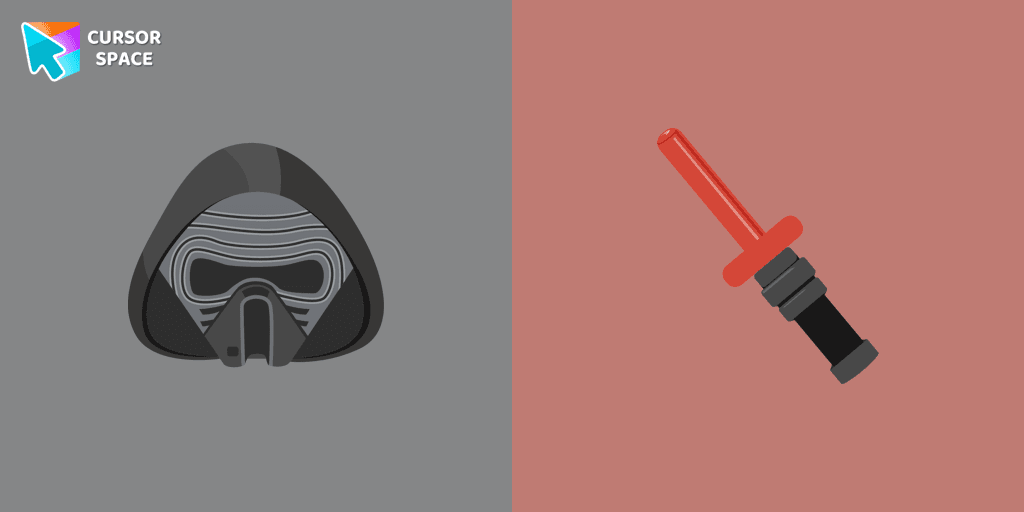
Kylo Ren cursor
101Free
Transform your cursor with our Kylo Ren cursor, featuring the intimidating and iconic character from Star Wars. Add a touch of power and darkness to your browsing experience with this custom cursor.
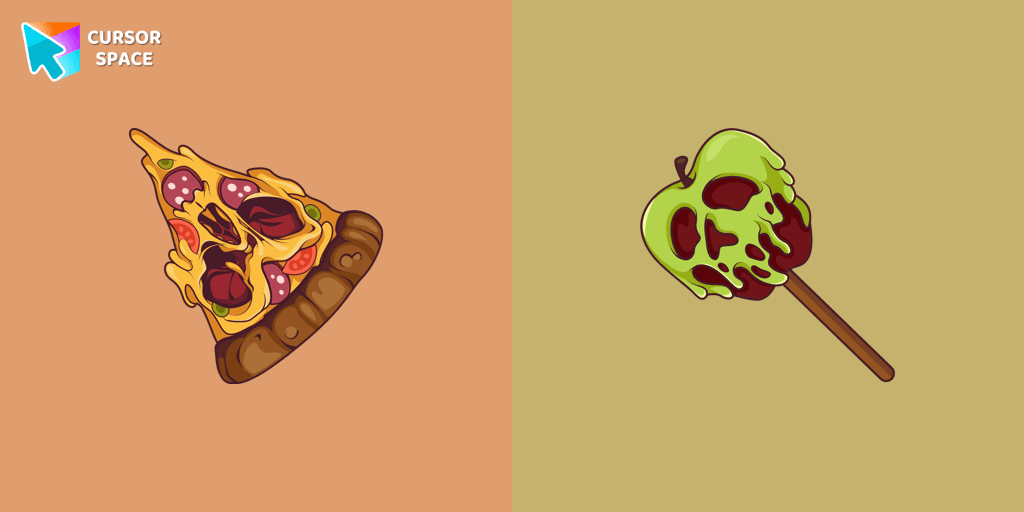
The spookiest season of the year is quickly approaching and you probably have lots of fun Halloween activities in the works, like making costumes, and planning your Halloween dinner menu. Don't forget to decorate your interface with a Pizza Monster custom cursor from our Halloween custom cursors collection. Elevate your browsing experience with a unique custom cursor for chrome that adds a festive twist to every click. Our collection features a variety of options, from a sleek custom cursor chrome to an intricately designed chrome custom cursor that stands out on your screen.
Whether you prefer a premium custom cursor for chrome™ or a stylish custom chrome cursor that merges function with fun, our selection has something for everyone. For those on a budget, the custom cursor for chrome free option available via the chrome web store custom cursor section is perfect. Simply install the user-friendly custom cursor chrome extension to transform your pointer instantly—this cursor custom for chrome solution is both simple and effective.
Curious about how to get a custom cursor on chrome? Our custom-cursor for chrome package and the custom cursor chrome extension provide clear, step-by-step instructions. We understand you might ask, is custom cursor for chrome extension safe or is custom cursor for chrome safe? Rest assured, our products meet rigorous security standards. Learn how to use custom cursor for chrome easily, whether you choose the custom cursor for chrome no download method or the custom cursor for chrome no extension option. Plus, our custom cursor for chrome unblocked designs let you enjoy a personalized interface anywhere. Explore standout creations like sweezy cursors - custom cursor for chrome and bring Halloween magic to every click.
Install the Cursor Space extension for Chrome or Cursor Space for Edge in your browser.
On this page, click "Add this cursor pack to the extension".
Open the extension and go to the Packs tab.
Find the custom cursor pack "Pizza Monster cursor" and click it.
Enjoy!
Get this cursor pack and thousands of others by installing our extension. It's fast and free!
Pizza Monster Cursor is a themed cursor pack you can add to your browser to personalize your pointer across common cursor states (default and pointer). Use it for everyday browsing, streaming, studying, or gaming-anywhere you want your cursor to match your vibe.
See how the cursors look before installing.
Add the pack to the extension in a few clicks.
Designed for Chrome and Edge via the extension.
Quick answers to common questions about cursor packs, collections, and installation.
Yes. To apply cursor packs in Chrome or Edge, install the Cursor Space extension and add this pack to it.
Cursor packs are designed for Chromium browsers like Chrome and Microsoft Edge.
Open the extension, choose another pack or disable the current one to return to your default cursor.
Custom cursor and packs - neon, anime, pixel art. Quickly add to Chrome and Microsoft Edge for free
Transform your cursor with our Kylo Ren cursor, featuring the intimidating and iconic character from Star Wars. Add a touch of power and darkness to your browsing experience with this custom cursor.
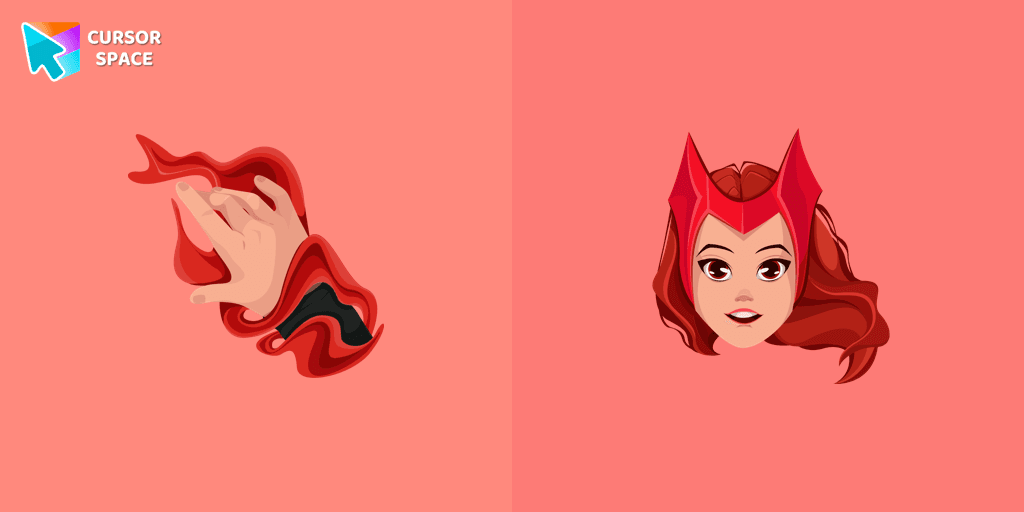
Transform your browsing experience with the Wanda custom cursor for Google Chrome. Featuring the powerful Wanda Maximoff, this magical cursor adds enchantment to your screen
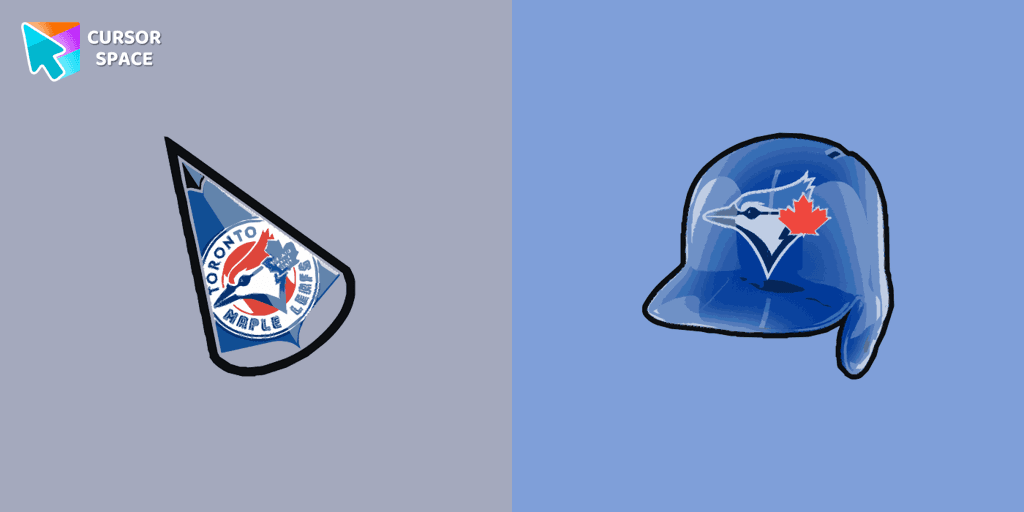
Show your team spirit with the Toronto Blue Jays custom cursor for Google Chrome. Choose from Blue Jays-themed designs to personalize your browsing experience.
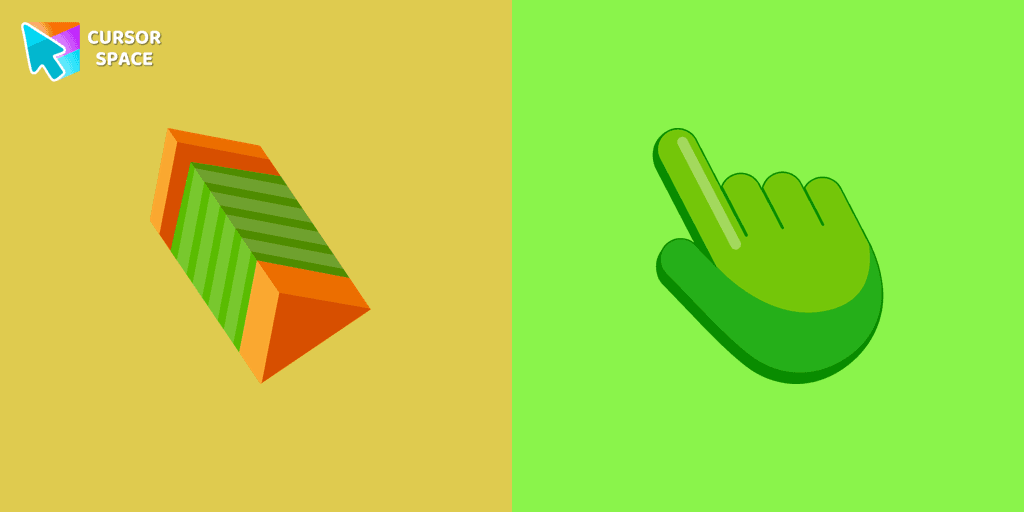
Enhance your digital experience with the TopTop custom cursor - a vibrant and lively design that adds playful charm and practicality to your desktop!
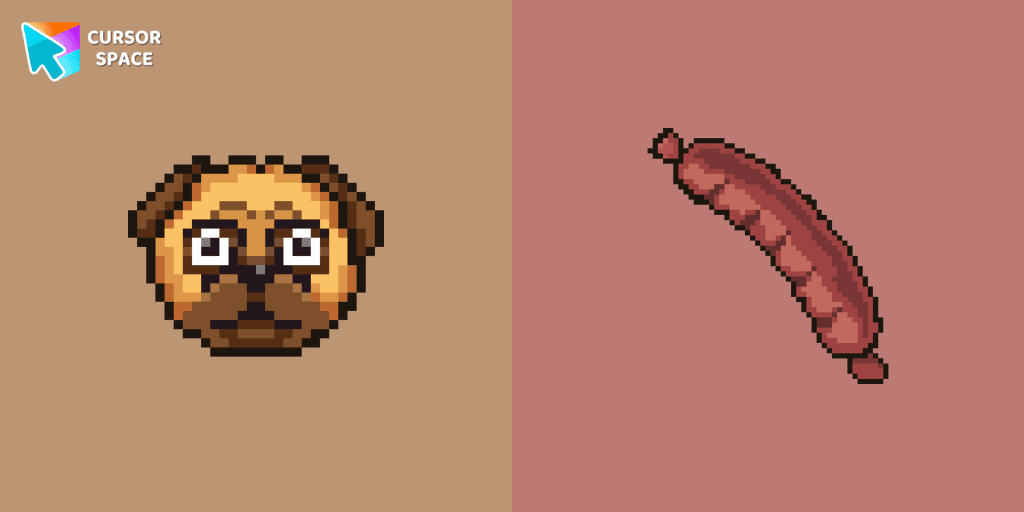
Custom cursors with Pug Pixel are a great option in a Cute Pixel cursor collection.

The Guy Fawkes Mask Pixel item is a pretty designed set of mouse cursors with a stylish hover.

Discover Oreo Blue custom cursors to add a playful touch to your desktop. Free, easy to install, and perfect for Windows!

Upgrade your browsing with the Vibrant Orange Gradient Cursor. This custom cursor offers a seamless orange gradient, merging style with functionality

Illuminate your screen with a vibrant, energetic custom cursor in orange. Boost creativity, capture attention, and enhance your browsing experience!
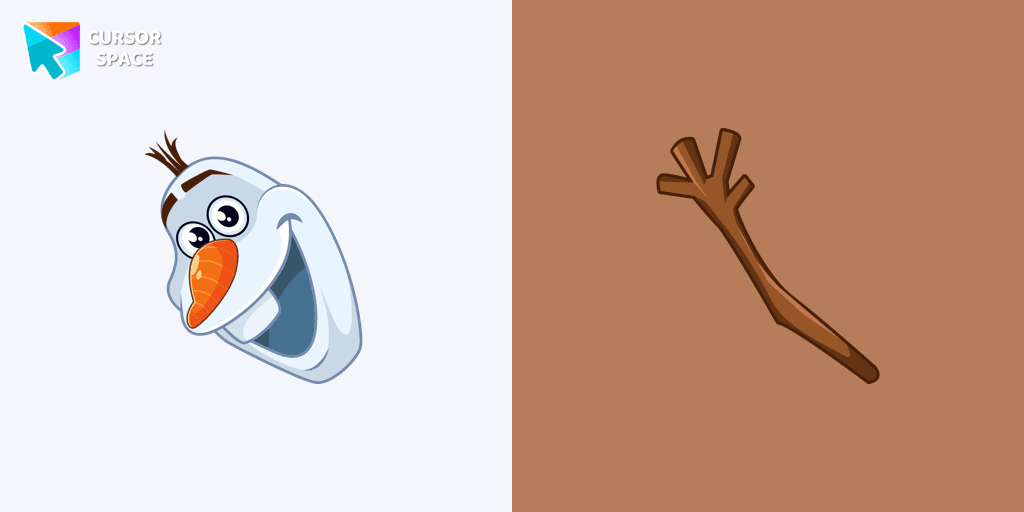
Add a custom Olaf cursor for the mouse and pointer from our Merry Christmas and Happy New Year collection of browser cursors.

Nutty from Happy Tree Friends is a hyperactive character with a sweet obsession. Get the Nutty custom cursor for Google Chrome with a candy wand pointer for a fun touch.
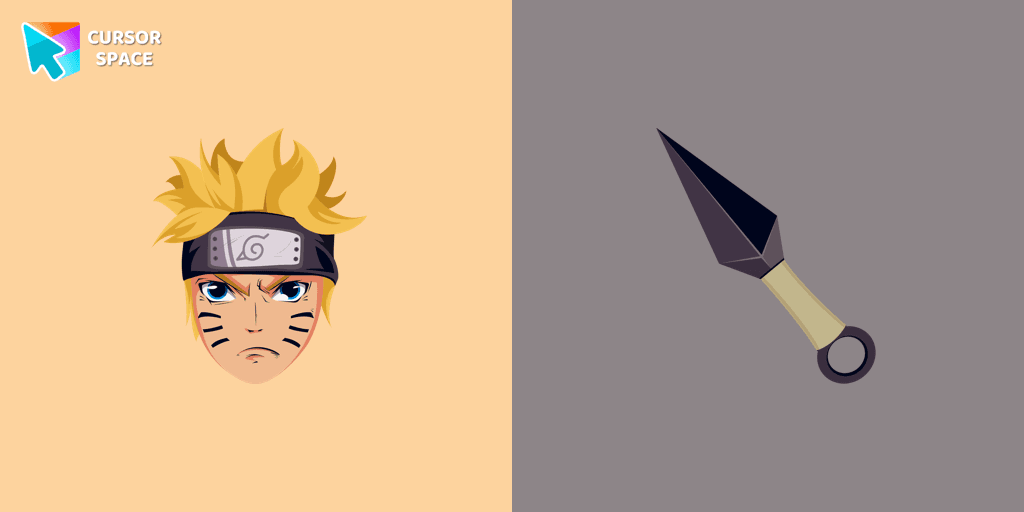
Custom cursor with Naruto Uzumaki from our custom cursors collection with manga characters.
Installation leaders from "Halloween": free packs, neon/anime/pixel art, quick add to Chrome and Edge.
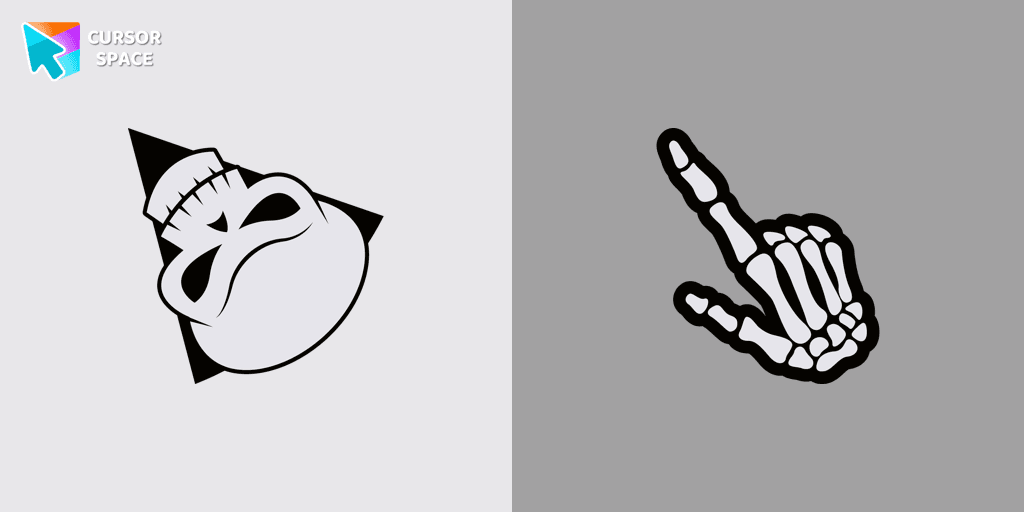
Angry Skull cursor for a mouse is a good Halloween art to decorate your browsing.
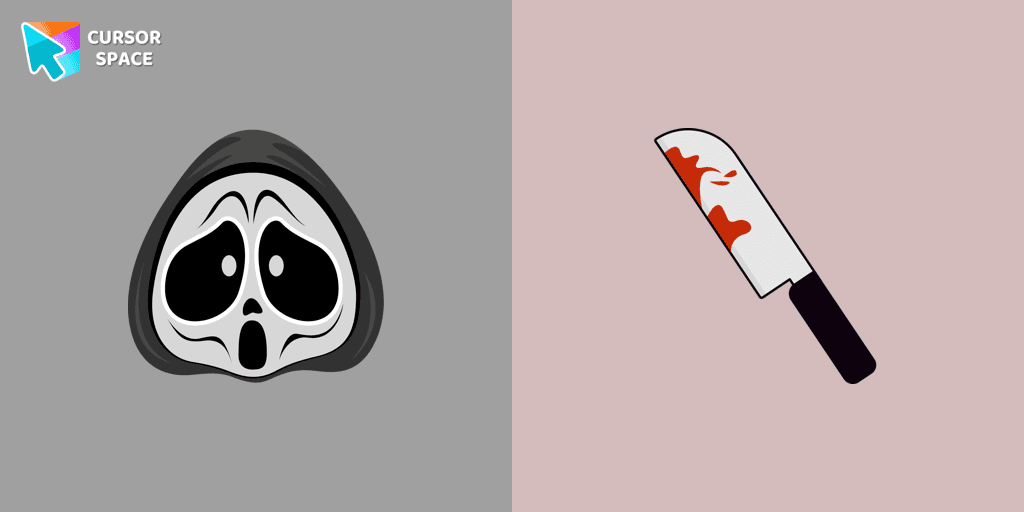
Ghostface cursor for mouse and custom hover pointer with a knife in our Halloween holiday collection of custom cursors.

Chilling blood illustrated Burger skull custom cursor and zombie hand hover for the mouse.
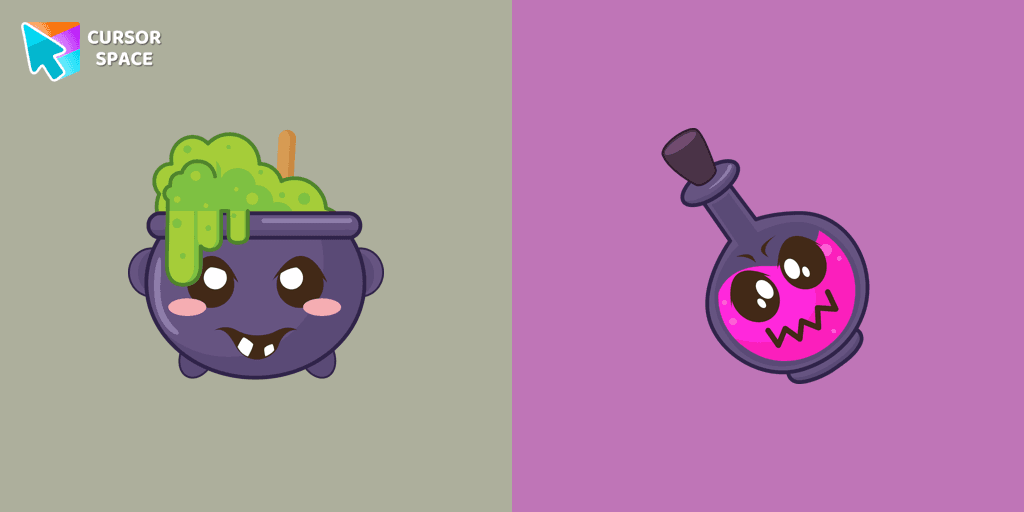
Our Halloween custom cursors collection for Chrome includes many themed cursors, one of them Potion Cauldron and Poison.
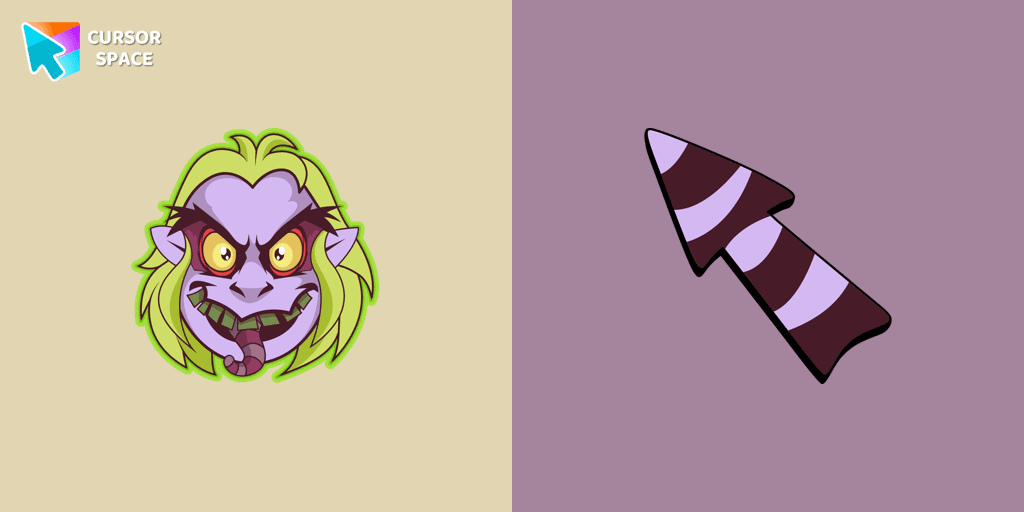
Welcome to our Halloween custom cursors collection for Chrome where you will find a custom cursor with Beetlejuice.
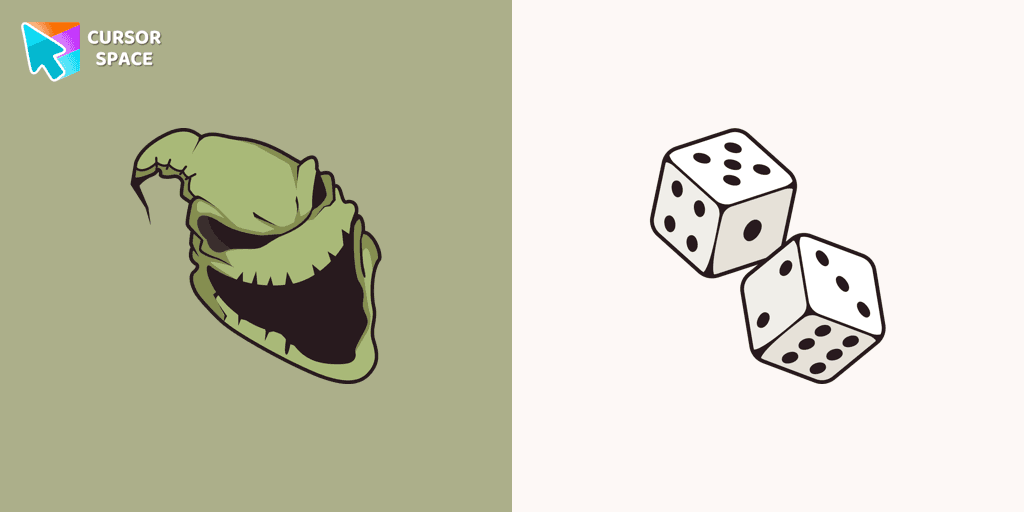
Boogeyman custom cursor for mouse and pointer is perfect for getting into the holiday spirit on Halloween.
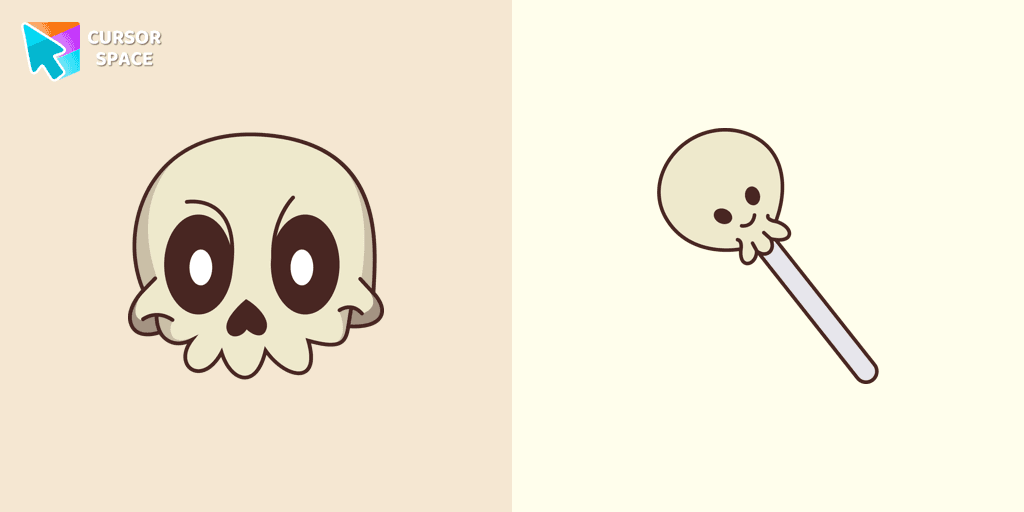
Our Friendly Skull custom Cursor from our Halloween custom cursors collection for Chrome will help you with this.

Celebrate it with our Skull with Bow custom cursor for mouse and pointer which has an incredible, cool design.
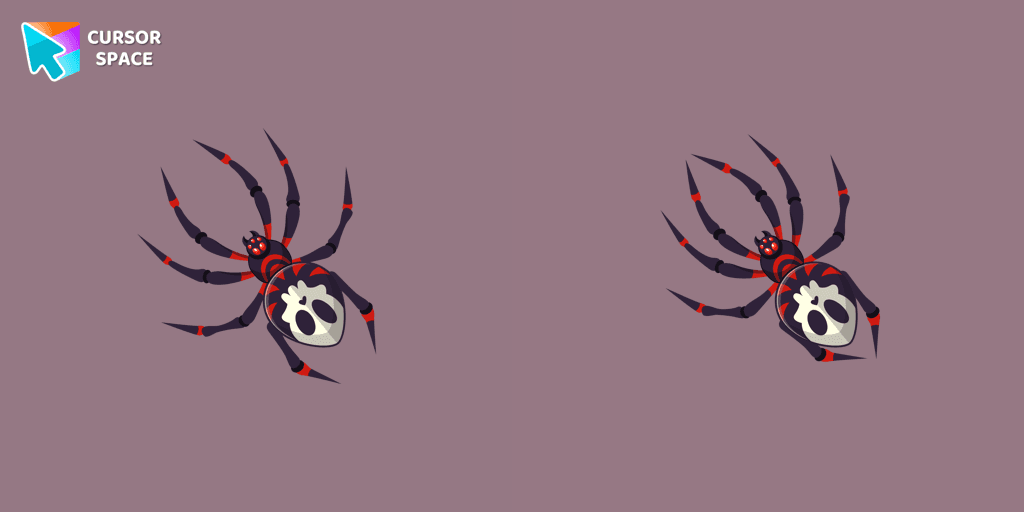
The Skull Spider custom cursor for the mouse will look pretty spooky on your screen.
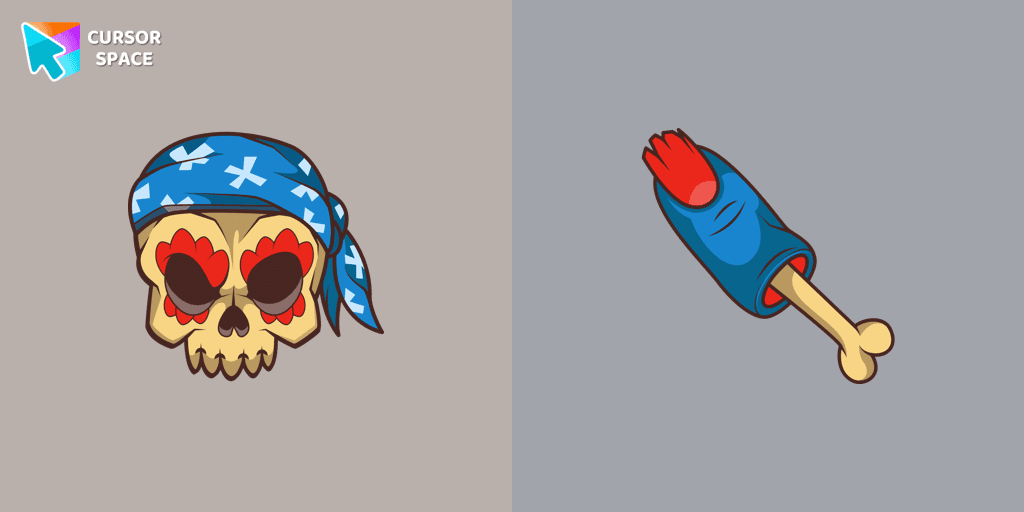
Pirate Skull custom cursors are the perfect option for our Halloween custom cursors collection for Chrome.
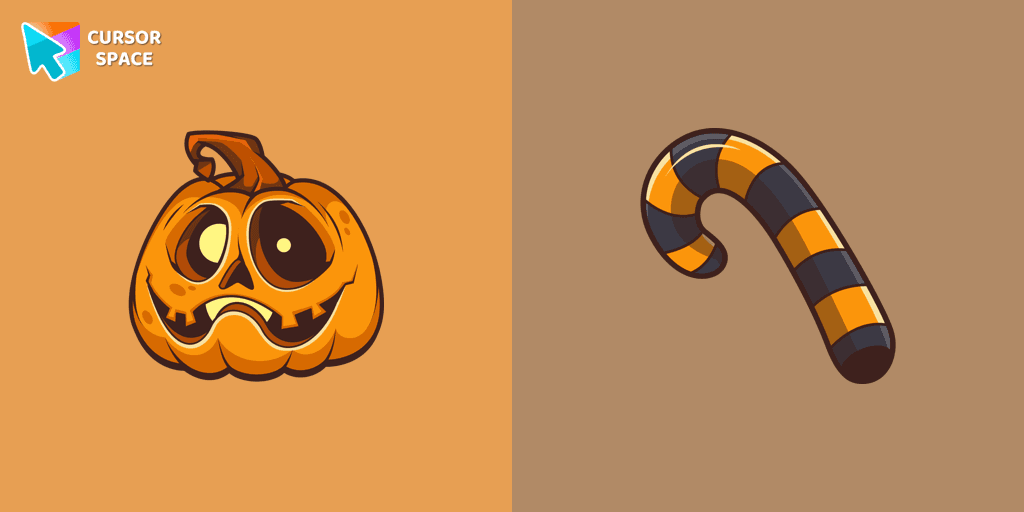
Our Pumpkin custom cursor was created especially for the chilling holiday season for our Halloween custom cursors collection for Chrome.
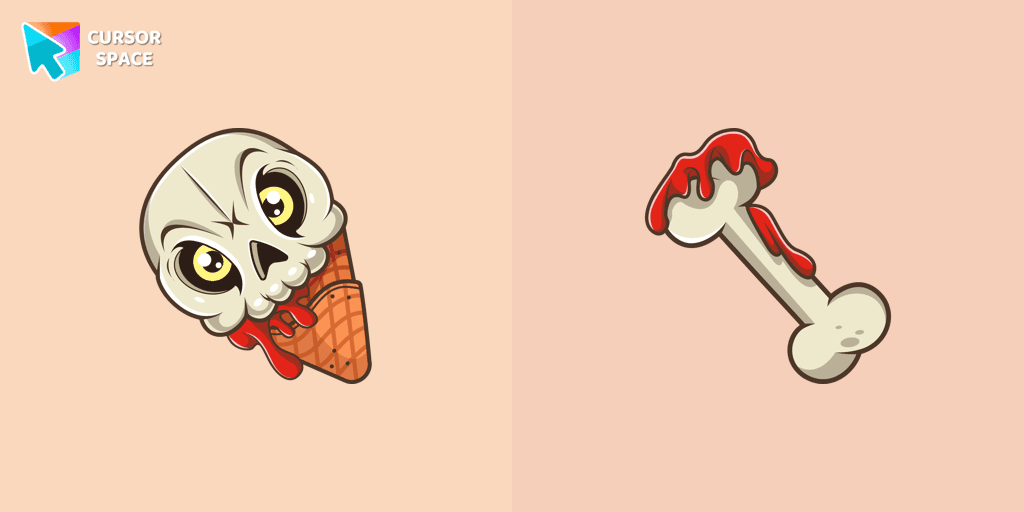
If you want to change the default cursor to Ice Cream Cone Skull, you are welcome to our collection of cursors for Halloween.
Add packs instantly and unlock access to thousands of cursors: neon, anime, pixel-art, and more. Fast, safe, and free.
Cursor Space is an extension for changing your mouse cursor in Chrome and Edge browsers: themed collections, HiDPI icons, neon, animated, and pixel cursors, with quick installation.